
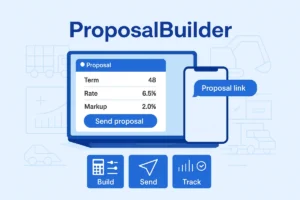
It’s 5:42 p.m. Your buyer is still waiting on “the numbers,” and your spreadsheet tabs look like a flight deck. You hit send on a PDF. Silence. The deal drifts.
Here’s the promise: In this post you’ll see how teams use ProposalBuilder to build a clean financing proposal, send it as a link by email or SMS, and track buyer activity in one place so decisions happen faster.
The quick picture
-
Before: spreadsheets, static PDFs, unclear next steps
-
After with ProposalBuilder: a single screen to set terms and markup, a sharable link, and real-time visibility into opens and accepts
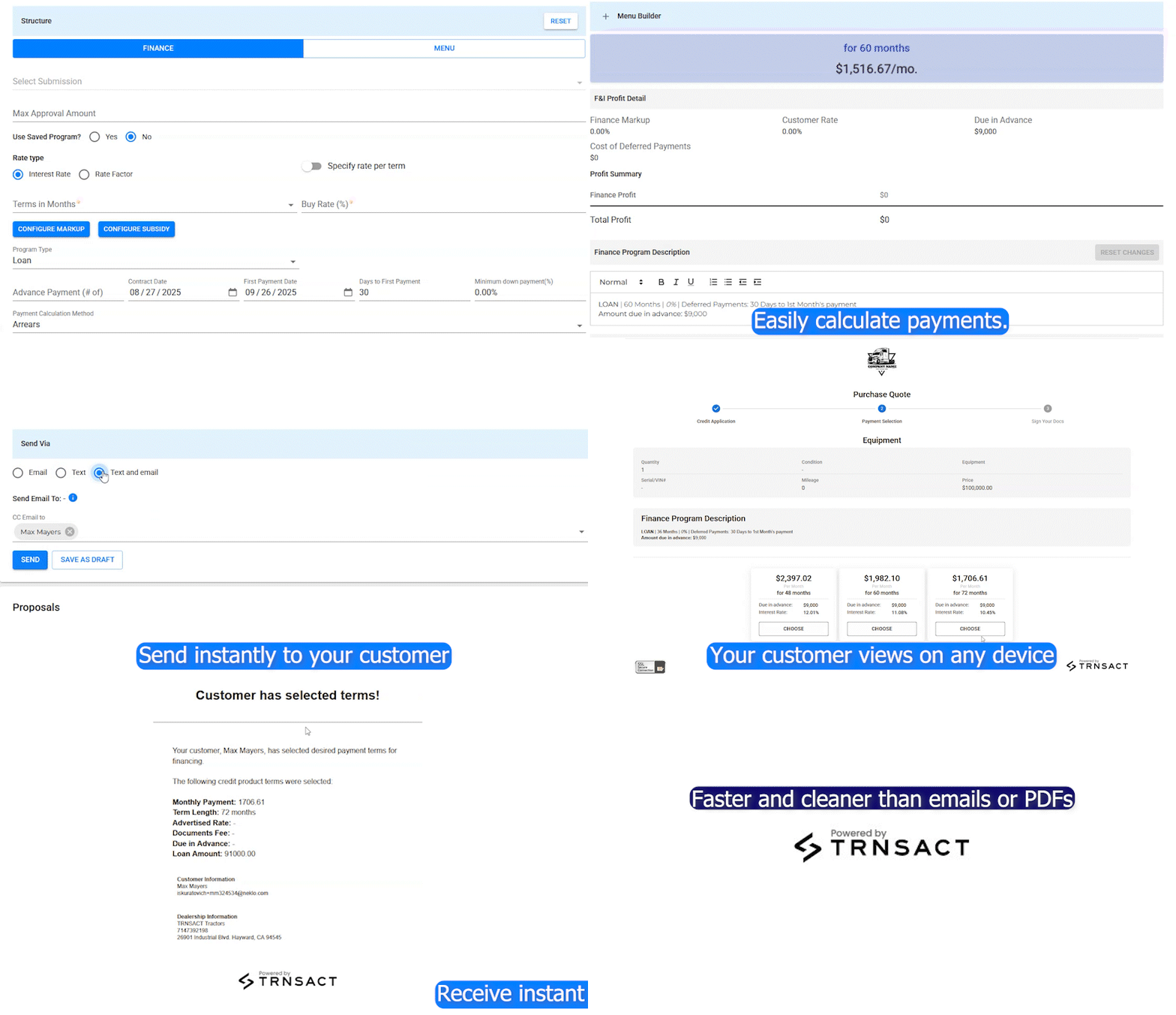
Build (the rep’s screen)
Pick a term and buy rate, add your markup, and ProposalBuilder calculates payment options automatically. Taxes and fees reflect equipment type, buyer type, and jurisdiction. Inventory details pull in so the proposal matches the iron the customer asked about.
Send (the buyer’s screen)
Click Share and send a proposal link by email or SMS. The proposal shows the unit, options, and a clear path to accept. No attachments to download, no version confusion
Track (your team’s screen)
See who opened, what they viewed, and when. Nudge stalled quotes before they go cold. Leaders get roll-ups by rep and unit so aging stock gets attention sooner.
A quick field note
Dealers that have moved from email-PDFs to ProposalBuilder have seen their average time-to-decision drop from “days” to “hours.”
What you can measure
-
Time from quote created → proposal viewed
-
Proposal open rate and accepts
-
Quotes aging out by unit and rep
-
Win rate on units with multiple proposals
Try it now
Start with one store. Turn on ProposalBuilder, send your next proposal as a link, and watch activity in real time. When you’re ready to fold in protection products, that’s where ProtectMenu comes in.